USBPcap How to Use with Wireshark
A practical workflow for selecting a USB capture source, recording only the activity you need, and opening the result in Wireshark.
Read guidePractical, driver-aware articles for Windows USB capture, Wireshark analysis, compatibility checks, troubleshooting, and responsible data handling.
A practical workflow for selecting a USB capture source, recording only the activity you need, and opening the result in Wireshark.
Read guide
What the official release information says, what it does not say, and how to test cautiously on a Windows 11 system.
Read guide
A balanced safety review covering source verification, filter-driver impact, capture-file privacy, and authorized use.
Read guide
A driver-aware installation sequence that emphasizes preparation, verification, restart planning, and a small first capture.
Read guide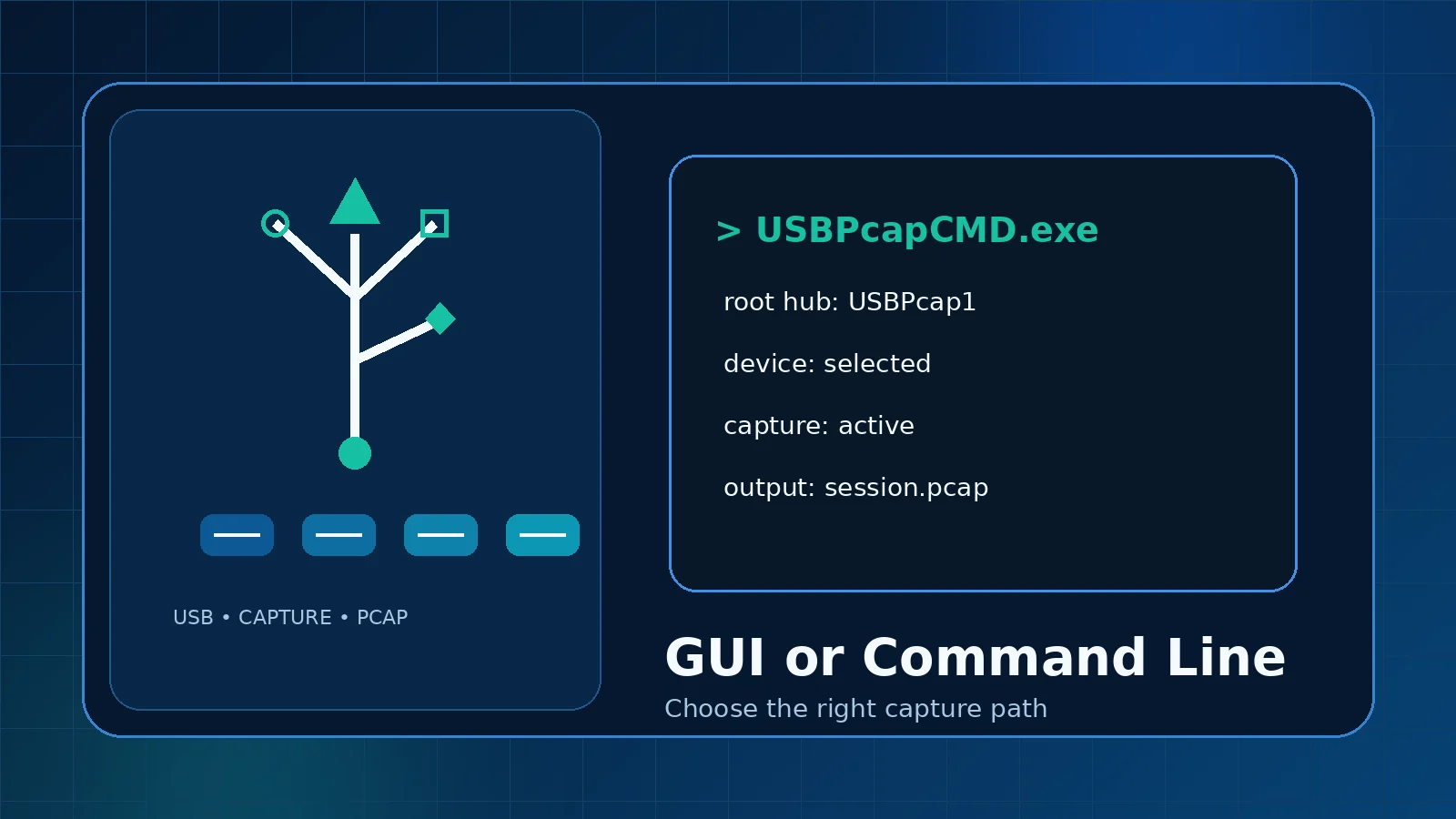
Compare the Wireshark interface with USBPcapCMD for one-off diagnostics, repeatable tests, and controlled output files.
Read guide
A structured checklist for captures that open with no useful traffic or only a small header.
Read guide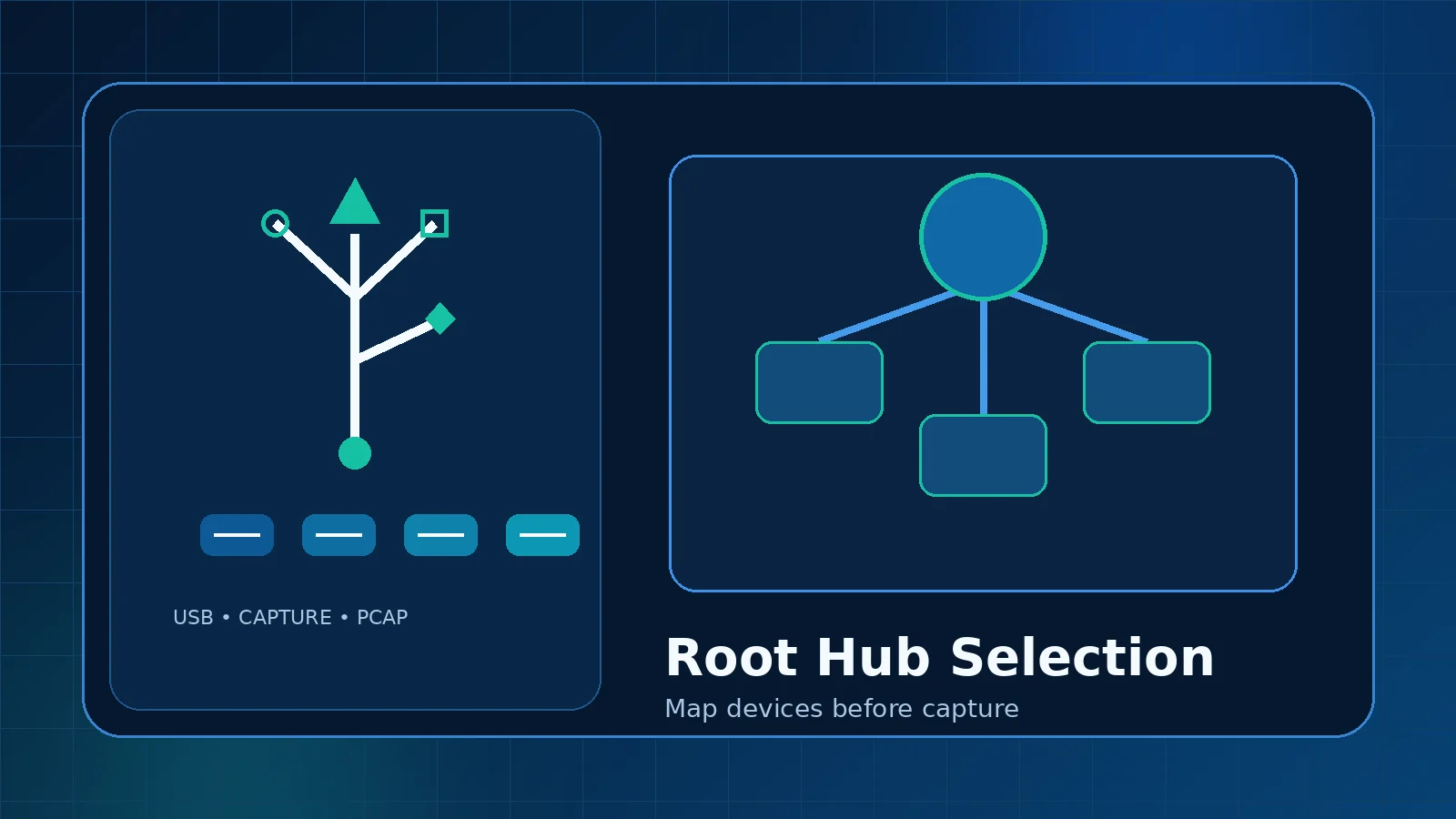
Understand why USBPcap lists root-hub capture interfaces and how to map a physical device to the right source.
Read guide
How to organize, inspect, filter, store, and share USB capture files without losing context or exposing unrelated data.
Read guide
Plan removal before installation, use the official uninstall path, and verify the Windows USB stack afterward.
Read guide